Capture beautiful overhead shots
Overhead shots are so interesting and beautiful. I love them because they are different than what you normally see. Flatlays were a huge trend at some point on Instagram, and I think they still are kind of popular. The reason why they are so fascinating is that they are complicated to take, especially if you have your hands in the image. You need a tripod with a bendable arm, or make DIY solutions like taping your phone to the ceiling or something similar. Or simply having an assistant or a model. Not many of us have that luxury, so for me, the tripod has been the only proper option.
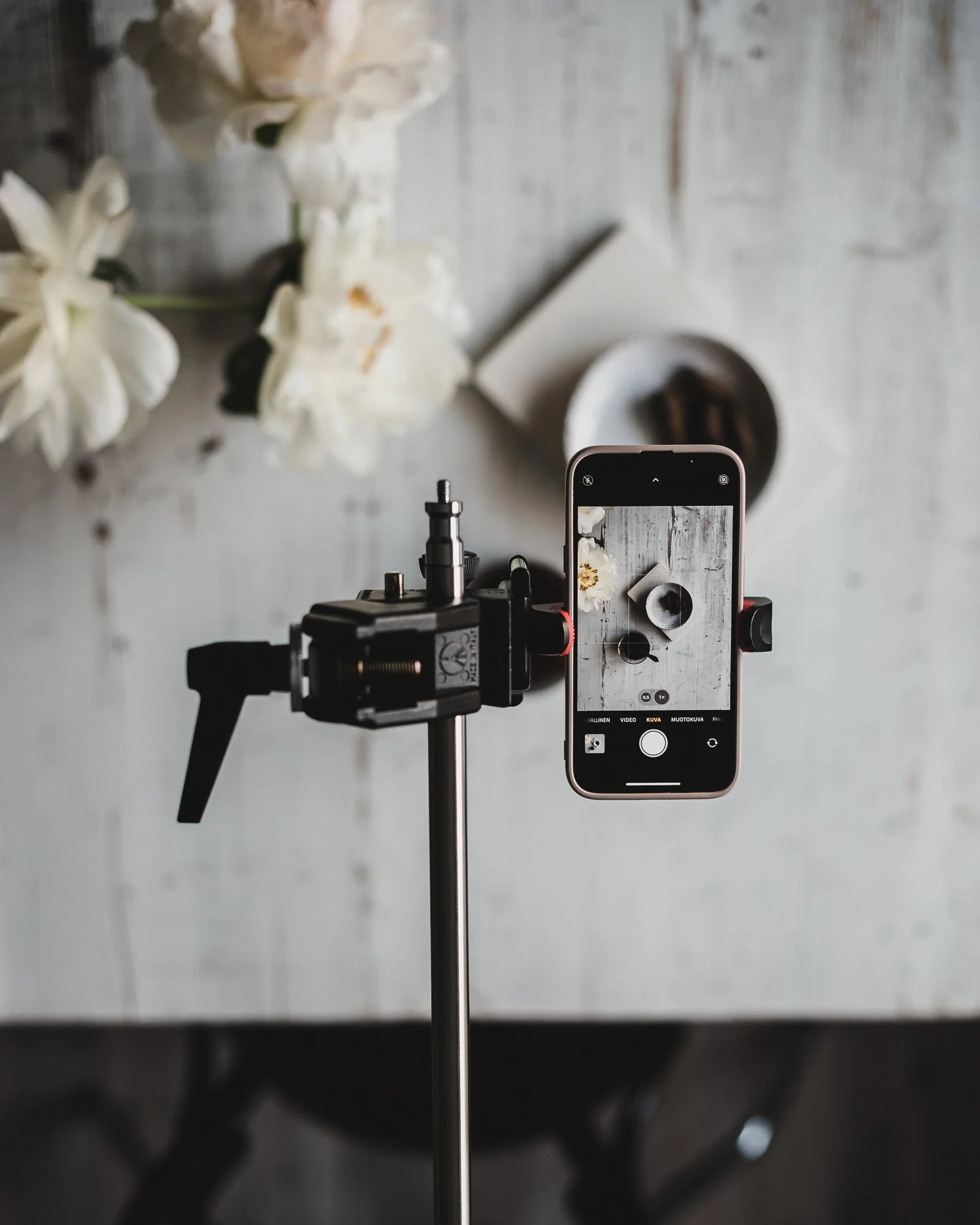
In order to take overhead shots, you need to have something holding your camera or phone. I have a C-stand with a long bending pole where I can attach my camera and phone. Take a look below.
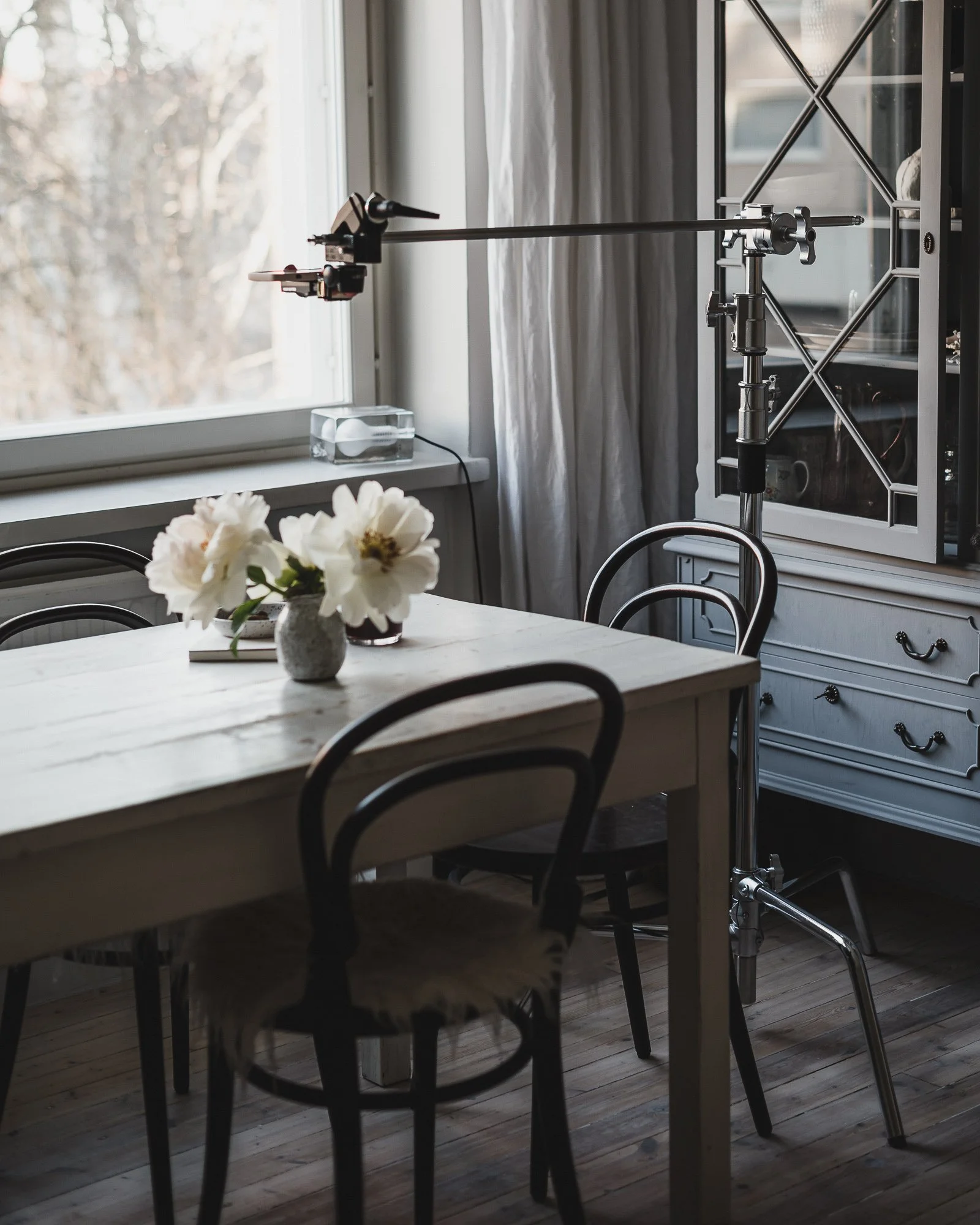
Here is my C-stand in action, I have placed my phone on it.
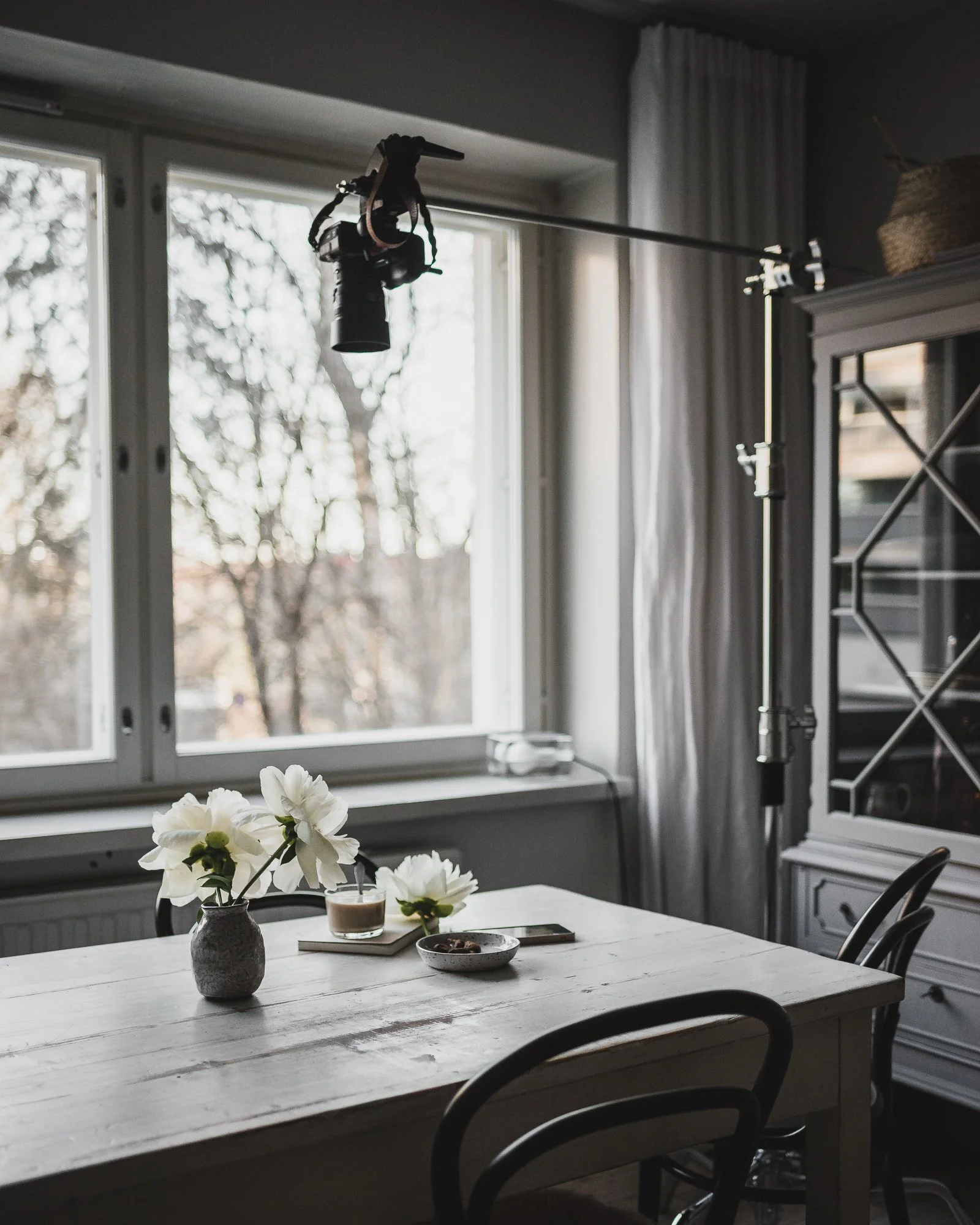
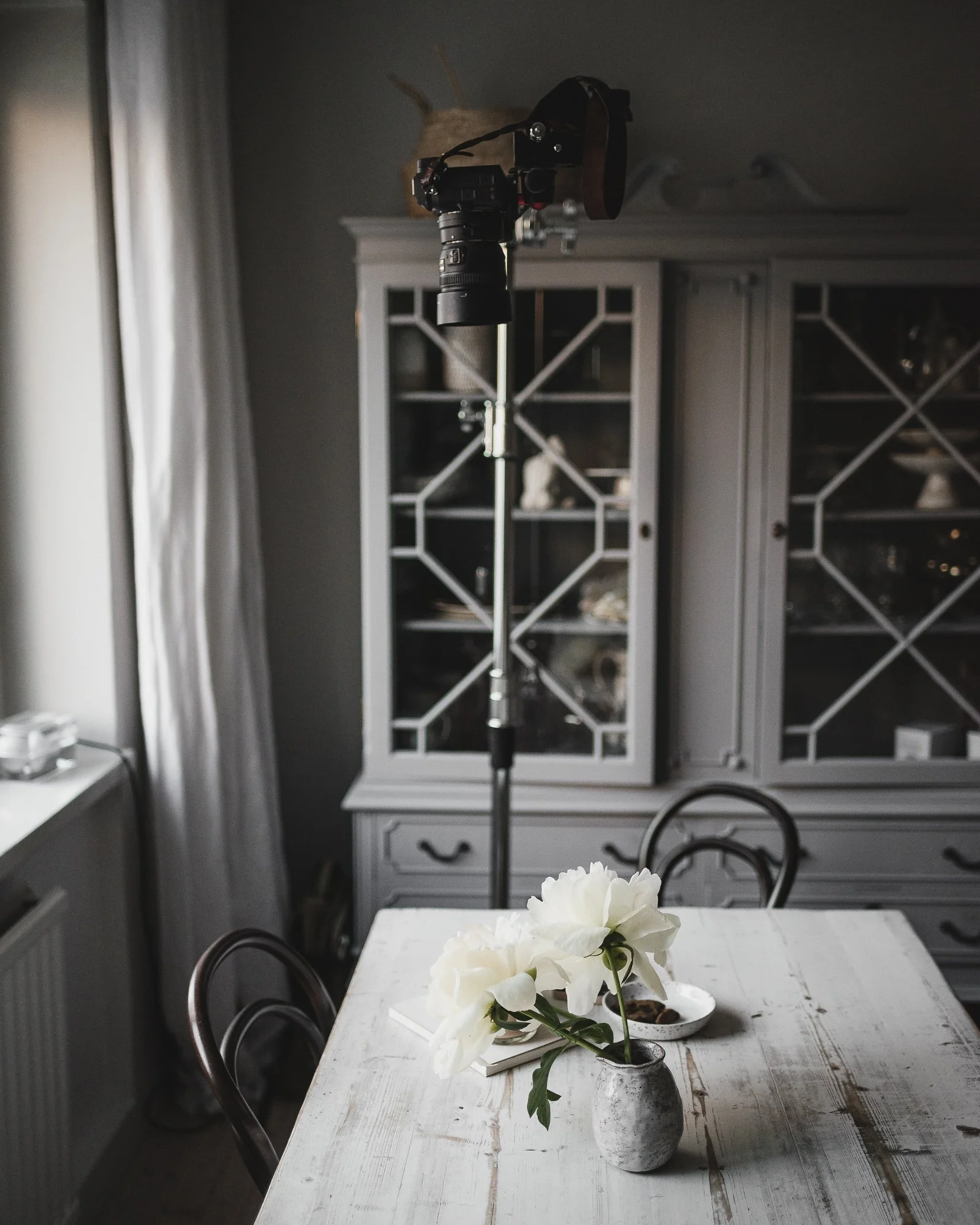
Here is the tripod with my camera attached to it.
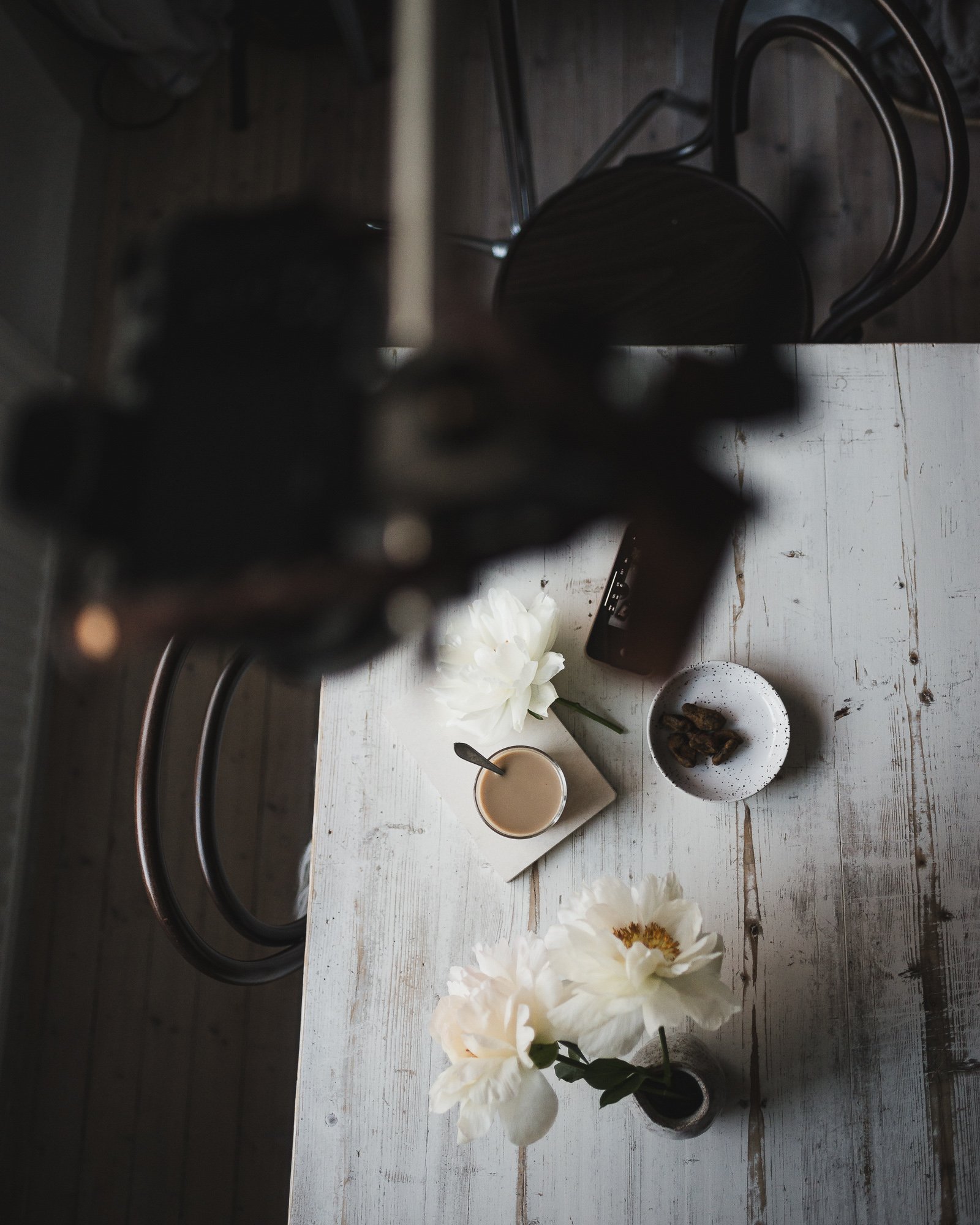
I think it is easier to take overhead shots with a phone. You just need to have something where you can place your phone. You can always place your phone on the edge of the table and create a still-life scene on the floor, for example.
When shooting flatlay photos using a phone, I recommend you enable grids. Go to your settings and select the camera. There, you can find different camera settings, including the grid. When you have turned the grid on, you can see two + marks on the screen when taking a flatlay photo. One + is white and the other one is yellow. White + mark is moving as you move your phone. These marks help you to place your phone straight. You know your phone is pointing straight toward your flat surface when the white and yellow marks are on top of each other. This helps you especially if you use a tripod where you can tilt your phone at every angle or you shoot by hand.
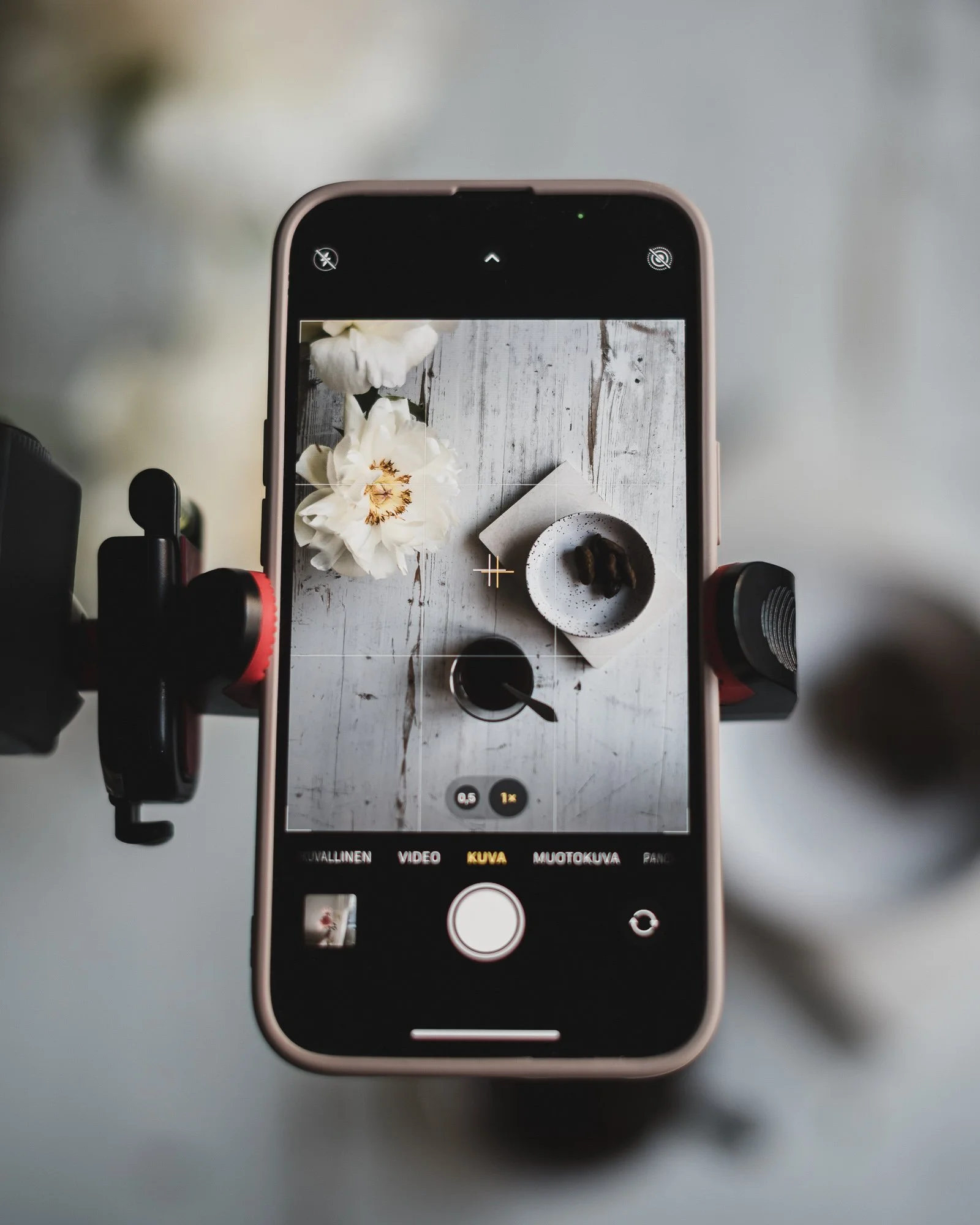
Here you can see the two + marks.
In case you want to capture your overhead photo with your hands in the image, use the self-timer on your phone. This way you are able to get into the right position before the image is taken.
Capturing overhead shots with a camera is more complex. You definitely need a tripod because the camera is harder to place up somewhere where it stays. I use my phone to control the camera while it´s up in the air. I can’t describe how much it helps to be able to see the camera view from my phone. Especially when I shoot with my 50mm lens, the camera is up high, so I can’t see the screen. The phone is my only way to see what the framing looks like.
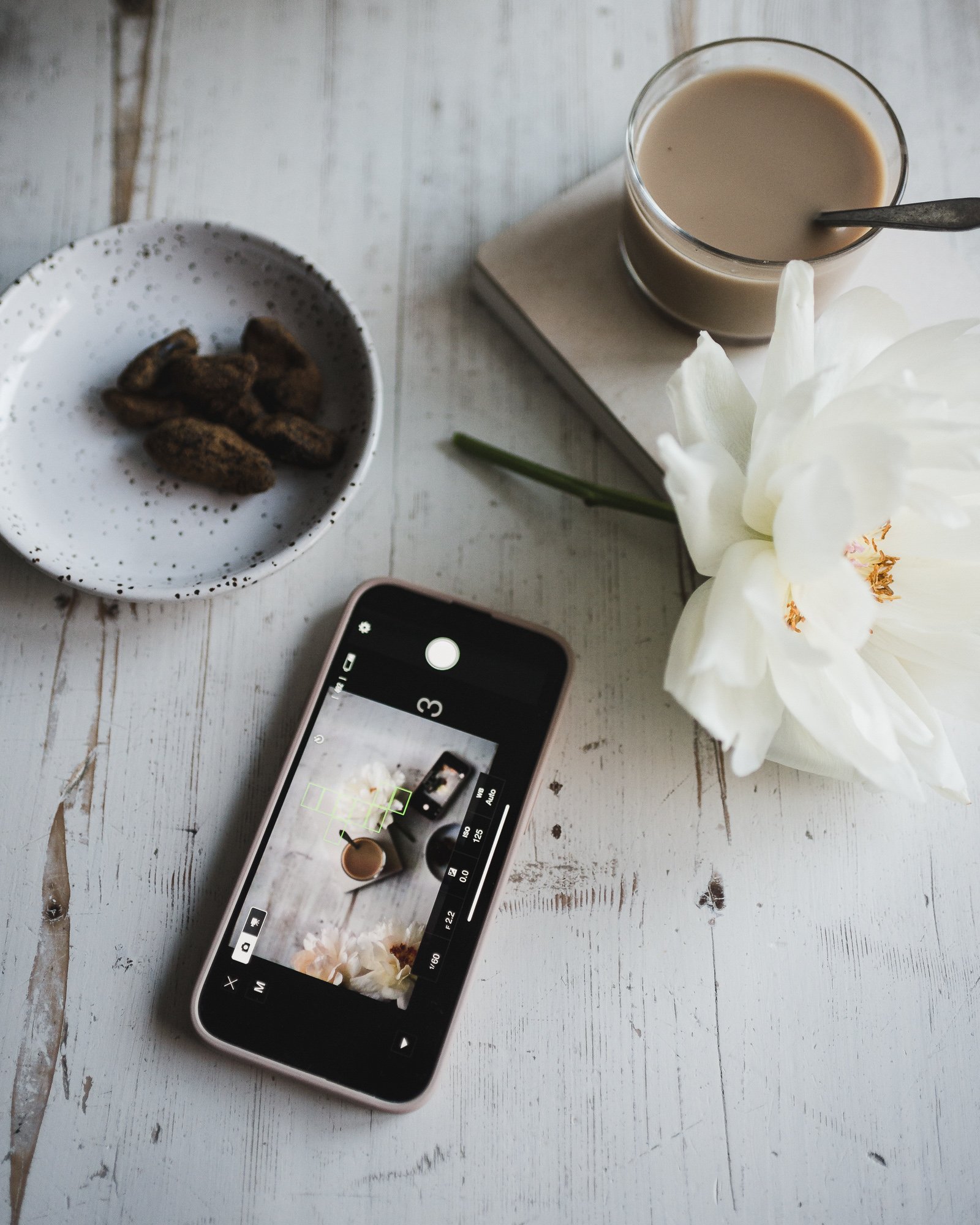
Here is what the remote photography looks like on my phone.
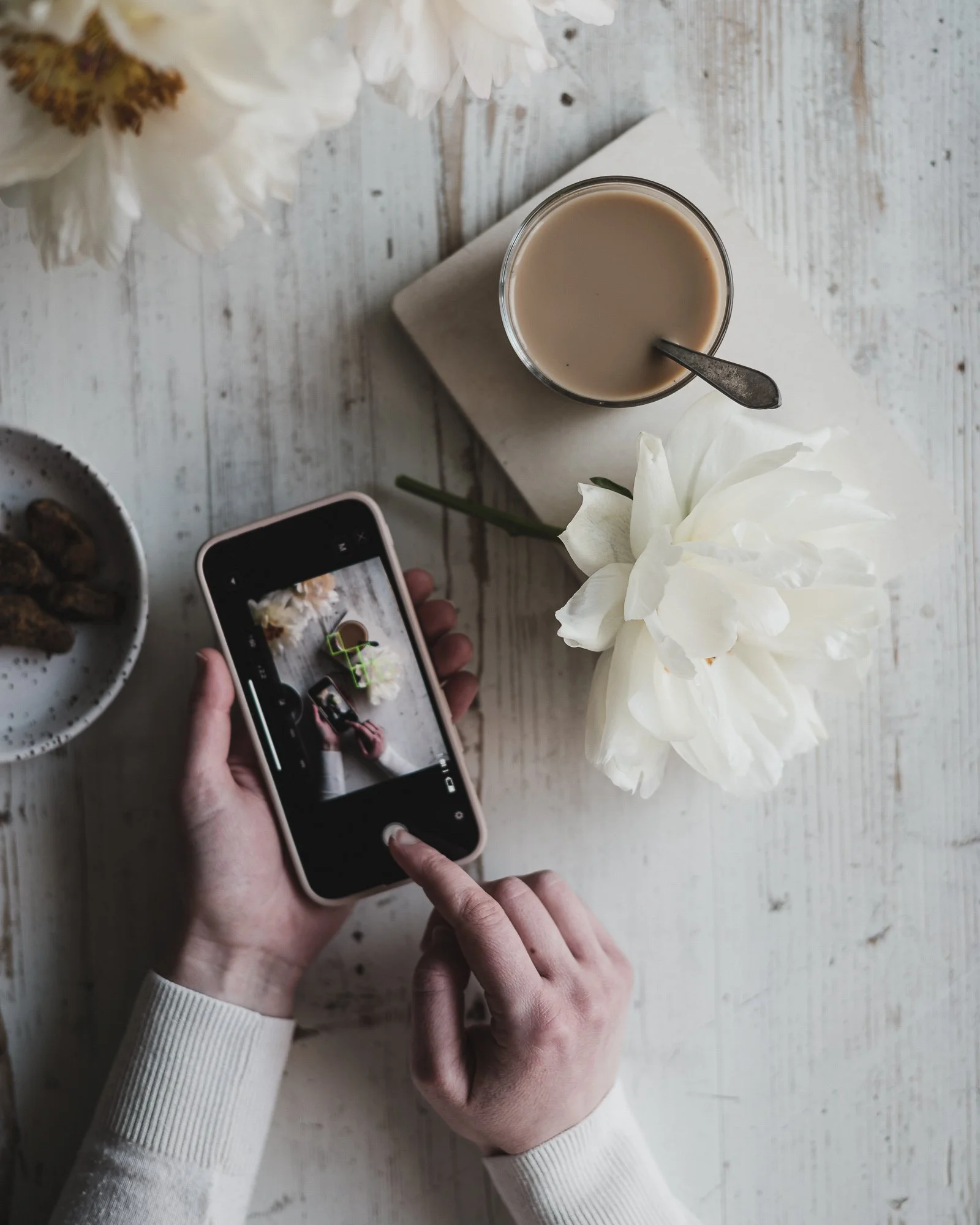
Remote photography offers me so many options which otherwise would be hard to capture.
I either take the photo right away or use a self-timer. I prefer the timer because that way I have time to place my phone out of the frame before the image is taken.
All cameras also have a built-in self-timer. So no need to have an app or anything fancy to use the timer. You can find it under your camera settings. Usually, there are multiple different options on how many photos you want your camera to take and how often these images are taken. Select the one that fits your needs. When I use that built-in timer, I take nine photos at a time, and there is a second or two in between the photos. This allows me to capture movement easily, and I have multiple different versions of the photo to choose from.

What makes an overhead shot beautiful and interesting is the angle. We don’t experience things from this perspective, so when we see a flatlay image, it feels new and exciting. I like the possibility of adding hands to the photo. It makes it even more interesting.